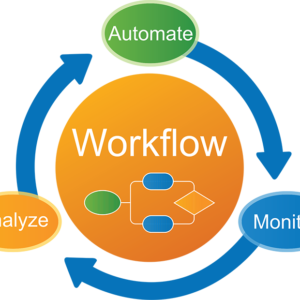
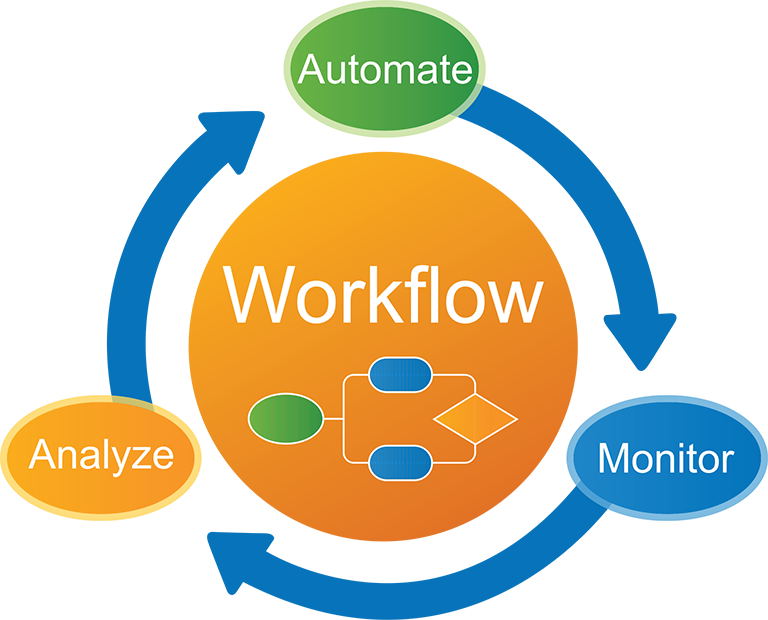
Workflow automation tool
🔄 1. Trigger → Action Workflows
Description:
The foundation of automation.
How it works:
- Trigger: “New lead added”
- Action: “Send email + assign to sales”
👉 Even complex workflows are built on this simple logic.
🔗 2. Multi-App Integration
Description:
Connect different tools into one workflow.
Examples:
- CRM → Email → Slack
- Form → Database → Notification
👉 Tools like Zapier support thousands of app integrations.
🧠 3. Conditional Logic & Branching
Description:
Create smart workflows based on conditions.
Examples:
- If lead score > 80 → notify sales
- If payment fails → retry + alert
👉 Enables real business logic, not just simple automation.
🧩 4. Visual Workflow Builder (No-Code)
Description:
Design workflows using drag-and-drop interfaces.
Includes:
- Flow diagrams
- Templates
- Step-by-step automation builder
👉 Makes automation accessible to non-developers.
⏱️ 5. Scheduling & Event-Based Triggers
Description:
Automations run based on time or events.
Examples:
- Daily report at 9 AM
- Trigger when file uploaded
📊 6. Monitoring & Error Handling
Description:
Track and manage automation performance.
Includes:
- Logs & history
- Error alerts
- Retry mechanisms
🤖 7. AI & Smart Automation (Modern Feature)
Description:
Adds intelligence to workflows.
Examples:
- AI decision-making
- Auto-routing tasks
- Content generation
🔐 8. Security & Access Control
Description:
Ensures workflows are secure.
Includes:
- Role-based access
- Audit logs
- Data encryption


Reviews
There are no reviews yet.