Task automation software
Task automation software is a tool that helps you automatically perform repetitive tasks and workflows—like sending emails, updating data, assigning tasks, or syncing apps—without manual effort.
👉 In simple terms: it replaces repetitive work with rules, triggers, and automated actions.
Task automation is widely used to save time, reduce errors, and improve efficiency across business operations.
🧩 Core Features of Task Automation Software
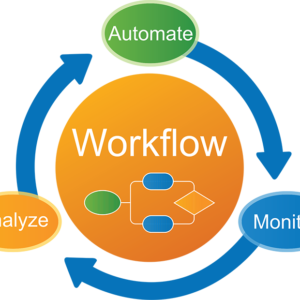
🔄 1. Workflow Automation
Description:
Automates sequences of tasks based on triggers.
Examples:
- When a lead is added → assign to sales rep
- When a task is completed → notify team
👉 Core concept: trigger → condition → action
🔗 2. App Integrations
Description:
Connects different tools to work together.
Examples:
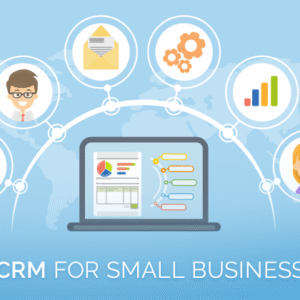
- CRM + Email + Project tools
- Forms → Google Sheets → Slack
👉 Some platforms connect thousands of apps seamlessly.
⚙️ 3. No-Code / Low-Code Builder
Description:
Create automations without programming.
Includes:
- Drag-and-drop workflow builder
- Pre-built templates
- Visual automation flows
👉 Ideal for non-technical users.
⏰ 4. Scheduling & Triggers
Description:
Run tasks automatically based on time or events.
Examples:
- Daily reports at 9 AM
- Trigger when a file is uploaded
🧠 5. Conditional Logic
Description:
Create smart workflows with rules.
Examples:
- If priority = high → notify manager
- If payment received → send invoice
👉 Enables complex automation.
📊 6. Monitoring & Reporting
Description:
Track automation performance.
Includes:
- Logs & error tracking
- Workflow performance metrics
- Alerts for failed automations
🤖 7. AI-Powered Automation (Modern Feature)
Description:
Uses AI to automate decisions and tasks.
Examples:
- Auto-generate responses
- Smart task routing
- AI assistants handling workflows
🔐 8. Security & Permissions
Description:
Control access and protect data.
Includes:
- Role-based access
- Data encryption
- Audit logs


Reviews
There are no reviews yet.