Presentation maker
🧠 1. Slide Editor & Layout Tools
Description:
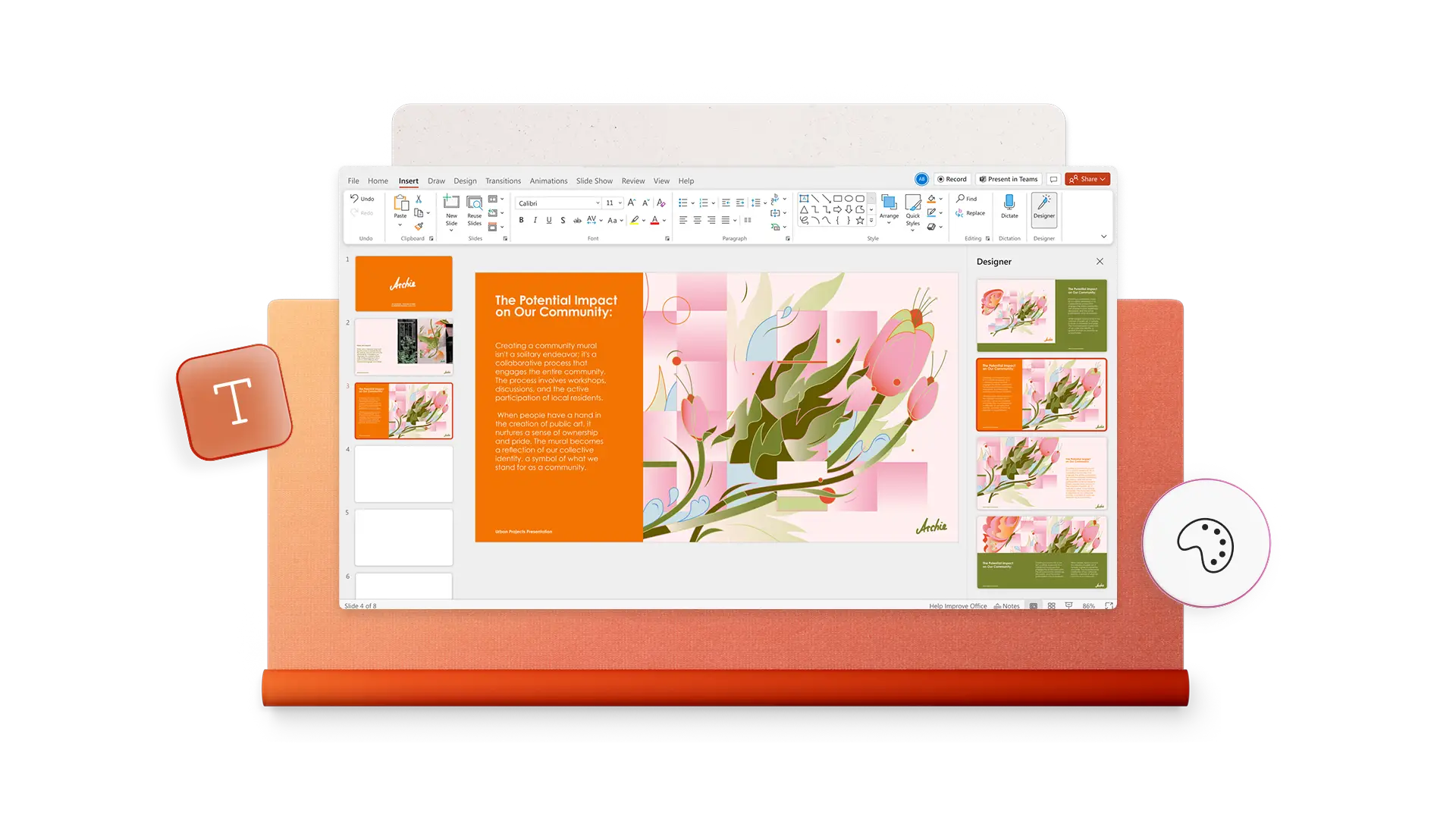
A flexible workspace where you build slides using text, images, and shapes.
Includes:
- Drag‑and‑drop editor
- Custom slide layouts
- Grids & alignment guides
- Editable templates
👉 Foundation of every visual presentation.
🎨 2. Templates & Design Themes
Description:
Professionally designed templates to quickly start your presentation.
Includes:
- Business decks
- Pitch decks
- Education templates
- Infographic styles
👉 Saves time and ensures consistent aesthetics.
🖼️ 3. Media Support
Description:
Add and manage media elements.
Includes:
- Images & icons
- Videos & GIFs
- Charts & diagrams
- Backgrounds
👉 Makes visuals more engaging and informative.
💬 4. Text & Typography Tools
Description:
Customizable fonts and text styling.
Includes:
- Font selection
- Sizes & spacing
- Headings & bullet lists
👉 Critical for readability and impact.
🚀 5. Transitions & Animations
Description:
Motion effects between and within slides.
Includes:
- Fade, push, wipe transitions
- Object animations
- Timing and sequence controls
👉 Adds polish and engagement to your presentation.
📊 6. Charts & Data Visualization
Description:
Turn data into visuals.
Includes:
- Bar/line/pie charts
- Diagrams & infographics
- Live data import
👉 Helps communicate information clearly.
🤝 7. Collaboration Tools
Description:
Work with others in real time.
Includes:
- Co‑editing
- Comments & feedback
- Version history
👉 Useful for teams and classrooms.
☁️ 8. Cloud & Multi‑Device Access
Description:
Work and access presentations anywhere.
Includes:
- Web app
- Desktop app
- Mobile editing
- Auto‑save & sync
👉 Keeps your work up‑to‑date across devices.


Reviews
There are no reviews yet.