Logo maker software
Logo maker software is a tool that helps individuals and businesses create custom logos quickly—often without needing professional design skills. These tools provide templates, icons, fonts, and automation to turn your brand ideas into a polished visual identity.
👉 In simple terms: it’s DIY logo design software for startups, freelancers, and small businesses.
🧩 Core Features of Logo Maker Software
🛠️ 1. Logo Templates
Description:
Pre-designed logo layouts you can use as a starting point.
Includes:
- Industry-based templates
- Style filters (modern, minimalist, vintage)
- Layout variations
👉 Great for inspiration and fast design.
✏️ 2. Customization & Editing Tools
Description:
Modify every part of the logo to suit your brand.
Includes:
- Fonts & typography settings
- Color palette selection
- Shape & icon scaling
- Layer editing
🖼️ 3. Icon & Graphic Library
Description:
Access a large collection of symbols and graphics.
Includes:
- Vector icons
- Shape elements
- Industry-specific graphics
👉 Helps you find a symbol that matches your brand.
🆔 4. Text & Typography Tools
Description:
Add and style text in logos.
Includes:
- Font selection
- Font size & spacing
- Text effects
🎨 5. Color Palettes & Branding
Description:
Select optimized color combinations.
Includes:
- Preset palettes
- Custom color pickers
- Brand palette storage
👉 Ensures color harmony and brand consistency.
📁 6. Export & File Downloads
Description:
Download your logo in multiple formats for different uses.
Typical formats:
- PNG (transparent)
- JPG
- SVG (vector)
- PDF
👉 Vector export is essential for print & scaling.
📱 7. Multi‑Device Access
Description:
Use the tool online, in a browser, or via an app.
👉 Useful for working on logo design anywhere.
🎯 8. AI‑Powered Design Suggestions (Modern)
Description:
Generate logo ideas automatically based on your inputs.
Examples:
- Brand name
- Industry
- Style preferences
👉 Speeds up the creative process.

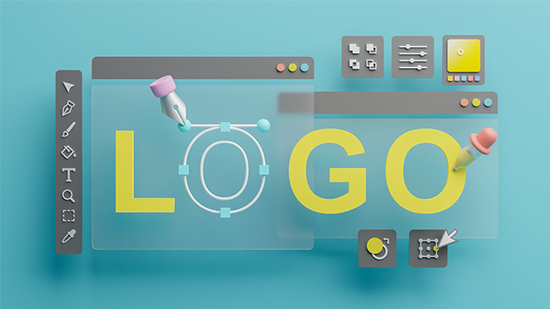
 Logo maker software
Reviews
There are no reviews yet.