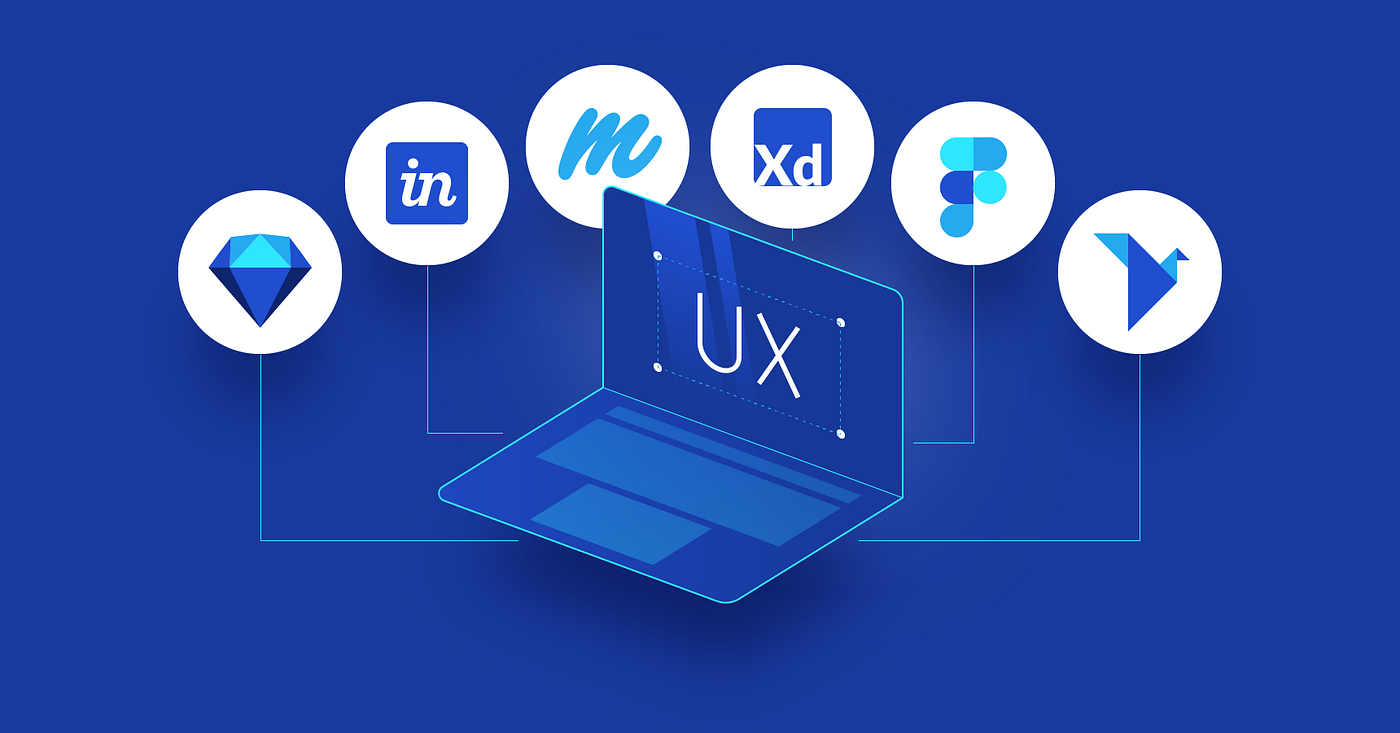
UI/UX design tool
🖍️ 1. Visual Interface & Layout Editor
Description:
Drag‑and‑drop workspace for creating screens and components.
Includes:
- Vector shapes & design elements
- Grids, columns, and constraints
- Alignment, spacing, and layout guides
👉 Foundation for mockups and visual structure.
🎨 2. Components & Design Systems
Description:
Reusable building blocks (buttons, icons, navigation elements).
Includes:
- Symbols/components
- Shared styles (colors, fonts)
- Libraries & design tokens
👉 Keeps consistency and speeds up design.
🔁 3. Prototyping & Interactions
Description:
Add interactive behavior to designs to simulate real use.
Includes:
- Clickable links between screens
- Animated transitions
- Hover and touch states
👉 Helps stakeholders experience the design before development.
🧠 4. Collaboration & Feedback
Description:
Multiple people can work together and comment.
Includes:
- Real‑time co‑editing
- Commenting & annotation
- Version history
👉 Essential for team workflows.
📂 5. Version Control
Description:
Track changes as designs evolve.
Includes:
- Save iterations
- Restore previous versions
- Team history
🧪 6. User Testing & Handoff
Description:
Share prototypes for testing and hand over specifications to developers.
Includes:
- Shareable preview links
- Inspect mode for developers
- Export assets & CSS values
👉 Bridges design → development smoothly.
🖼️ 7. Asset Management
Description:
Store and reuse icons, illustrations, images.
🔠 8. Typography & Style Tools
Description:
Add and adjust fonts, text spacing, hierarchy, and responsive styles.


Reviews
There are no reviews yet.